All notes
Cybersecurity
Hardening Microsoft 365: the 12 settings to switch on first.
A dozen settings included in the licence prevent most common mailbox compromises. Here they are, in the order we apply them, from most blocking to most comfortable.
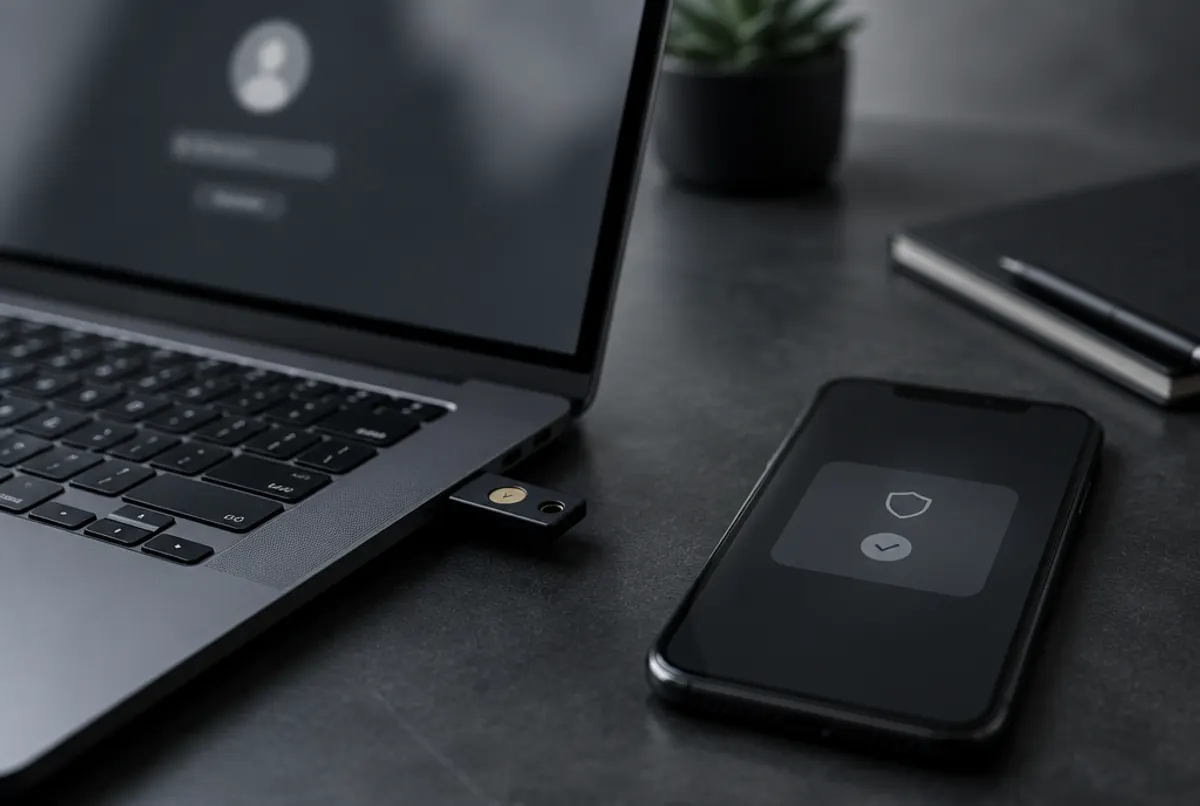
Microsoft 365 is secure by design and fragile by default. The settings below are available in most Business and Enterprise licences; they take an afternoon and a bit of internal communication. We apply them in this order, from most blocking to most comfortable.
Identities
- MFA for everyone, no exception for management. Prefer the Authenticator app or FIDO2 keys over SMS.
- Disable legacy authentication (POP, IMAP, basic SMTP), which bypasses MFA. Check first which printers and applications still use it.
- Conditional access: block countries where you have nobody, require a compliant device for sensitive data, force re-authentication on risky actions. Without a P1 licence, enable at least “security defaults”.
- Dedicated administrator accounts, separate from daily work accounts, with just-in-time activation (PIM) if your licence allows it, and at most two global administrators.
- Emergency accounts (break glass) documented, excluded from conditional access rules, monitored.
- SPF, DKIM and DMARC on all your domains, DMARC at
p=rejectafter an observation period. This is the setting that protects your name with your customers. - Disable automatic forwarding to external addresses: it is the first thing an attacker configures on a compromised mailbox.
- Link and attachment protection (Defender for Office 365 or equivalent) with Microsoft’s standard policies.
- “External sender” banner and one-click phishing reporting in Outlook.
Data and devices
- External sharing in SharePoint and OneDrive limited to authenticated guests, with expiring links.
- Unified audit log enabled and alerts on sensitive actions: creation of forwarding rules, addition of an administrator, impossible travel sign-ins.
- Managed devices (Intune or equivalent): mandatory encryption, lock screen, remote wipe.
What next
Microsoft’s Secure Score gives a simple monthly measure. Aim for steady progress rather than a perfect score, and review administrators and authorised third-party apps every quarter.